
Sunday funsies:
Made some of my @Spotify playlists public and designed dreamy artworks for them (inspo: @FonsMans).
Enjoy!!
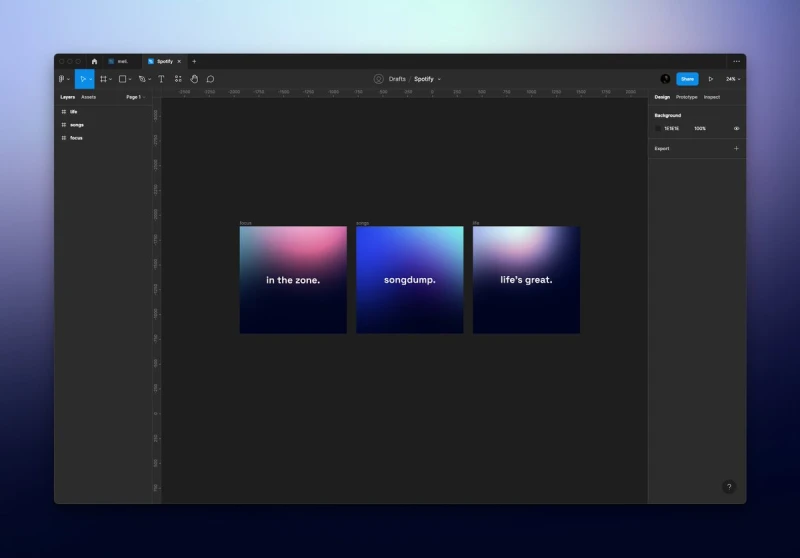

Sunday funsies:
Made some of my @Spotify playlists public and designed dreamy artworks for them (inspo: @FonsMans).
Enjoy!!
Awesome reference app for anyone learning SwiftUI! https://xcancel.com/SwiftDev_UI/status/1573822304890527744
Lil reminder that disliking the things you've created in the past is a sign of growth.
Day 82 #100DaysOfSwiftUI
✅ Building the HotProspects project (I)
🔑 takeaways:
👉 Customizable view with enums
👉 Reminder: Mark ObservableObject classes as @ MainActor
👉 Dynamically filter data with computed property
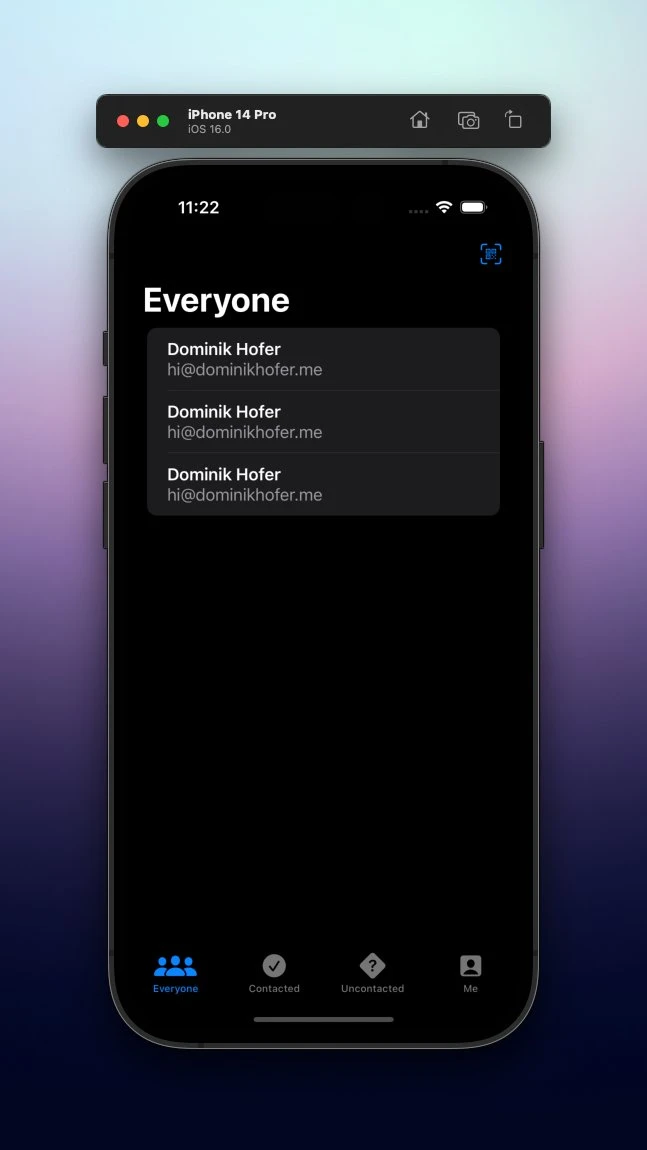
I enjoy these kinds of days just building layouts.
Day 81 #100DaysOfSwiftUI
✅ Overview of the HotProspects project (III)
🔑 takeaways:
👉 .contextMenu modifier for secondary actions
👉 .swipeActions on list items for further actions
👉 Two types of notifications: Remote & local
Great UX is already built in!
Did you know that there is a more convenient way to add the frame modifier you need in #Xcode14?
Just type .frame + the abbreviations of the properties you need (e.g. w for width, wh for width and height, …) and let autocomplete do the work for you!
A number to keep in mind 👇 https://xcancel.com/yannicklu/status/1573303483457048577
.@thatsfinsweet has many great Webflow products that I love to use (available for free!).
But my absolute favorite is Attributes: Whenever I need something that's not possible in Webflow, chances are that there is an attribute that exactly solves my problem.
Feels like magic ✨
Show thread (2 posts)
DALL-E 2 is great, but writing good prompts can feel like art as well.
I've discovered this awesome presentation which helped me learn a lot about writing prompts for various styles 👇
Day 80 #100DaysOfSwiftUI
✅ Overview of the HotProspects project (II)
🔑 takeaways:
👉 objectWillChange is for manually publishing changes from classes
👉 Use .result on a Task to simplify code (returns either return type or error)
👉 SwiftUI automatically interpolates images
iOS devs should really appreciate the fact that the new OS version is adopted so fast 🤯
Makes me excited to use the new SwiftUI features :) https://xcancel.com/ChristianSelig/status/1571573431010836483
Day 79 #100DaysOfSwiftUI
✅ Overview of the HotProspects project (I)
🔑 takeaways:
👉 @ EnvironmentObject makes data accessible to child views, use it with .environmentObject modifier
👉 TabView is a parent view for your whole app, it uses the .tabItem modifier
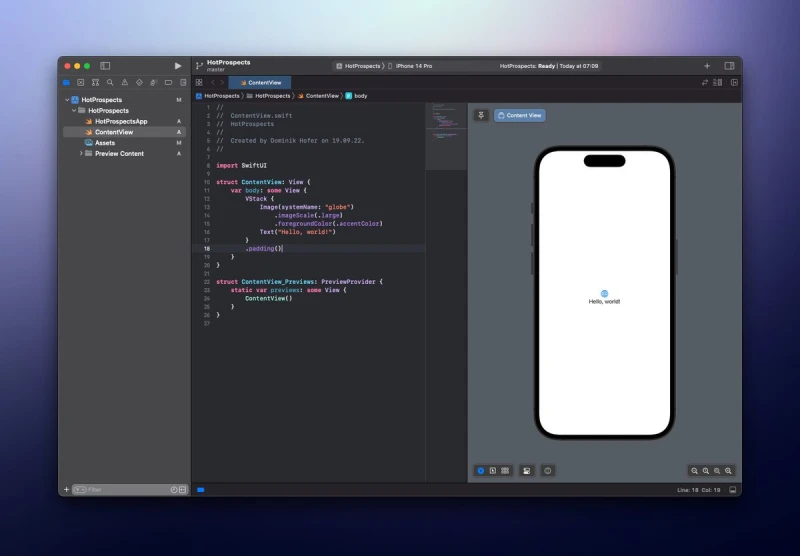
The new default SwiftUI view now features an icon.
Spotting this little change is a great reminder of how far I've already come on my #100DaysOfSwiftUI journey!
Uno #011
If you are a dev, you probably use the terminal pretty often. The best one in my opinion is Hyper by @vercel.
Built with HTML, CSS & JS and therefore easily extensible with plugins and customizable with gorgeous themes.
Here's mine, love the clean look:
Show thread (2 posts)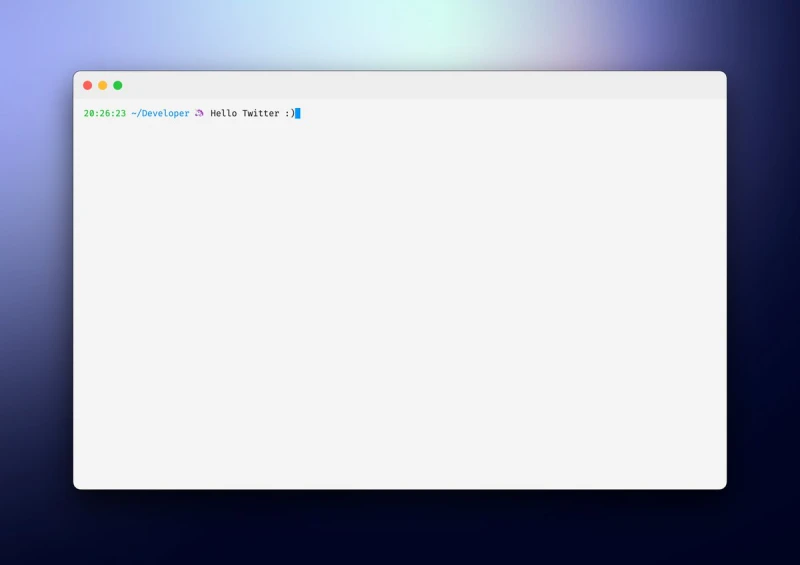
Day 78 #100DaysOfSwiftUI
✅ Extended personal CRM app with location feature
Learned how to use the TabView view and also finally understood what .constant() is for 🤓
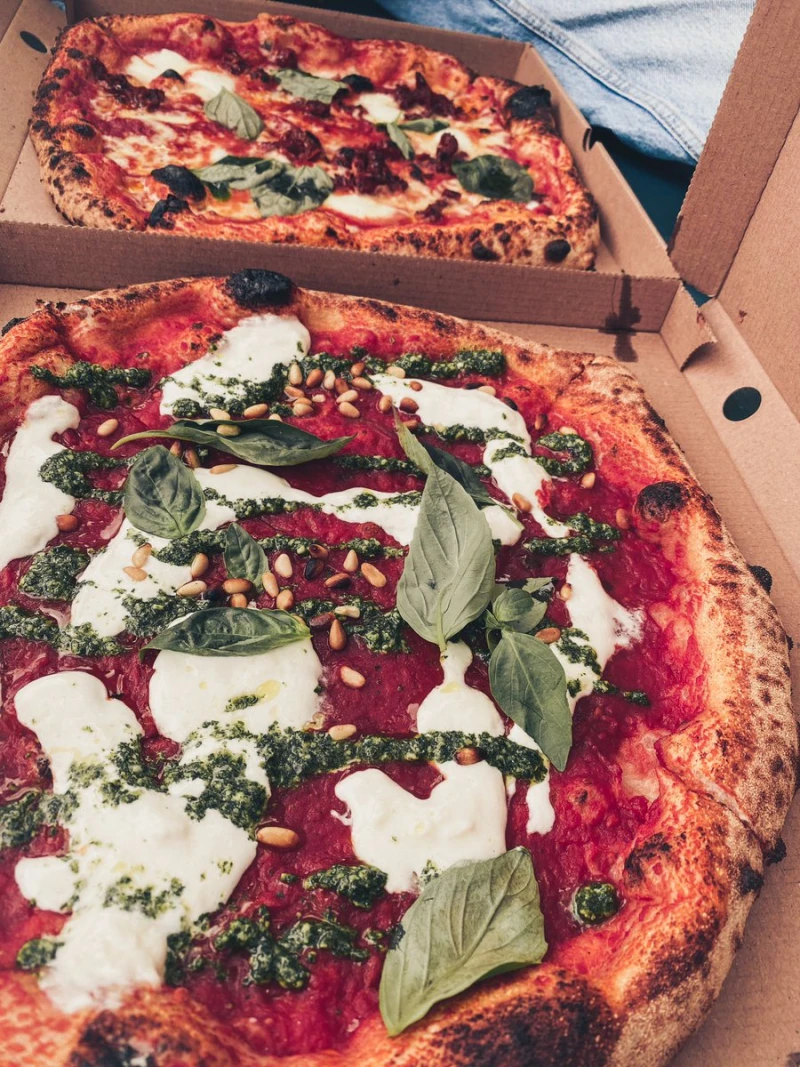
No coding tweet today but a delicious pizza I had yesterday to kick off the weekend 😋
Have a nice one everybody!
“Build what you wished existed.”
Great inspiring talk @austboston 🙌 https://xcancel.com/austboston/status/1570436294957993985
Day 77 #100DaysOfSwiftUI
✅ Built a little personal CRM app
Finally got around to finishing this one. The UI part wasn't that hard (although it isn't anything fancy).
But saving the image was harder than I thought. Luckily, I found a helpful Github repo 🤓
Show thread (2 posts)
Built a lil URL shortener for my personal domain, following the tutorial linked in the next Tweet.
It's built using @nextjs, @prisma, @planetscaledata, and @vercel.
Test it @ http://hoferdo.link/twitter
Show thread (2 posts)
Just built my profile on @Polywork! Check it out and get in touch with me there for all kinds of polyworking opportunities - https://poly.me/dominikhofer
Designed a possible icon for my first iOS app.
What do you think?
(And also wanna guess, what the app will be about? 😏)
Show thread (2 posts)
This right here 👇 https://xcancel.com/marc_louvion/status/1569299284549304322
A great reminder 🧠 https://xcancel.com/SahilBloom/status/1568938838113882112
Uno #010
As you probably know, I'm currently learning SwiftUI and getting into iOS dev. And if I like one thing in particular, it's the great community around the topic.
A great resource to discover apps made by fellow indie hackers is @AppAirport. I love exploring them!
Show thread (2 posts)
Day 76 #100DaysOfSwiftUI
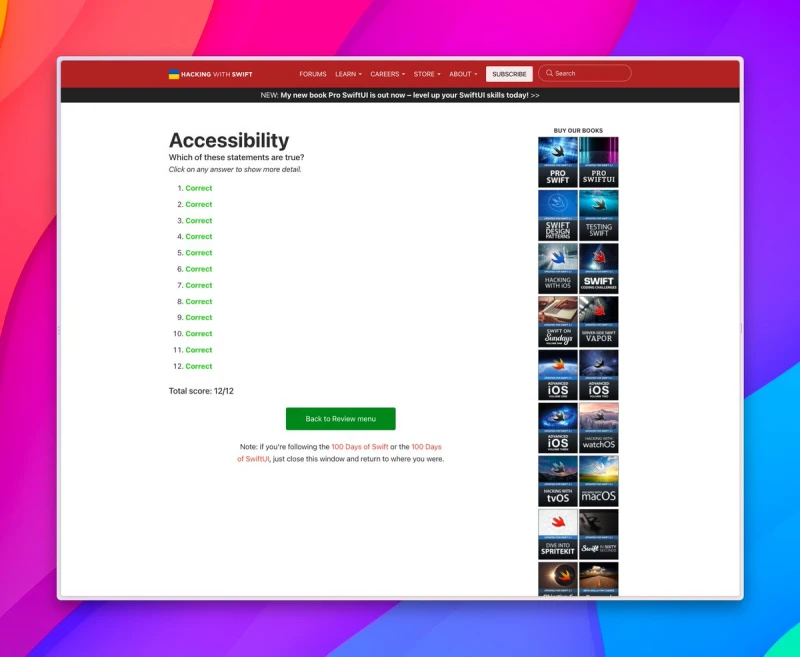
✅ Did some a11y reviews on my own
Pretty much consisted of spotting the issue (the hardest part) and then hiding elements and/or providing declarative labels.
Also scored 12/12 on the review test, which made me quite proud 😇
Day 75 #100DaysOfSwiftUI
✅ Making previous apps accessible
🔑 takeaways:
👉 Making apps accessible isn’t that hard, just do it!
New Apple Watch lineup in a nutshell. https://xcancel.com/escoen/status/1567567510571991044
One of my favorite things to do after an #AppleEvent is browsing the new product websites.
Always so many delightful details to discover ✨
Day 74 #100DaysOfSwiftUI
✅ Intro to a11y
🔑 takeaways:
👉 Use labels to describe content
👉 Decorative images
👉 Hide unimportant elements to VoiceOver users
👉 .accessibilityElement()
👉 use .accessibilityAdjustableAction to give VoiceOver users custom actions
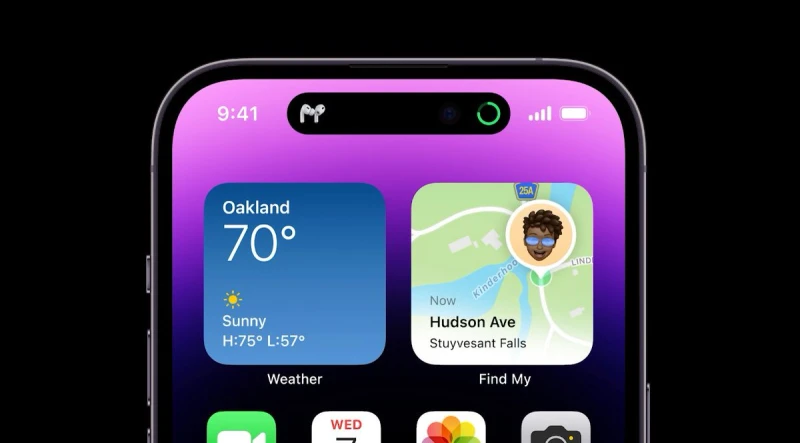
Already obsessed with the way the UI incorporates the new “notch” 👀
It's called “Dynamic Island”.
Day 73 #100DaysOfSwiftUI
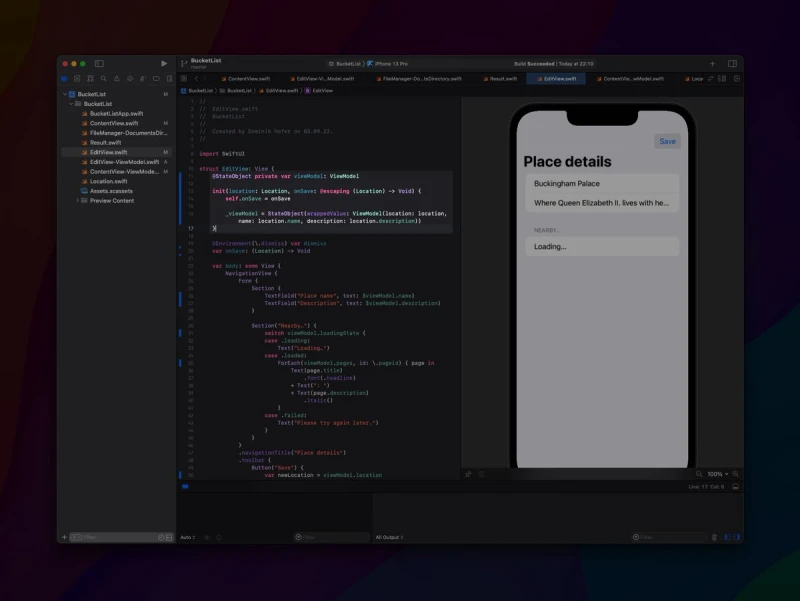
✅ Added some additional features on my own
Another project done 🥳
The main task here was to refactor the EditView to conform to MVVM. I found the initialization in the view itself quite interesting:
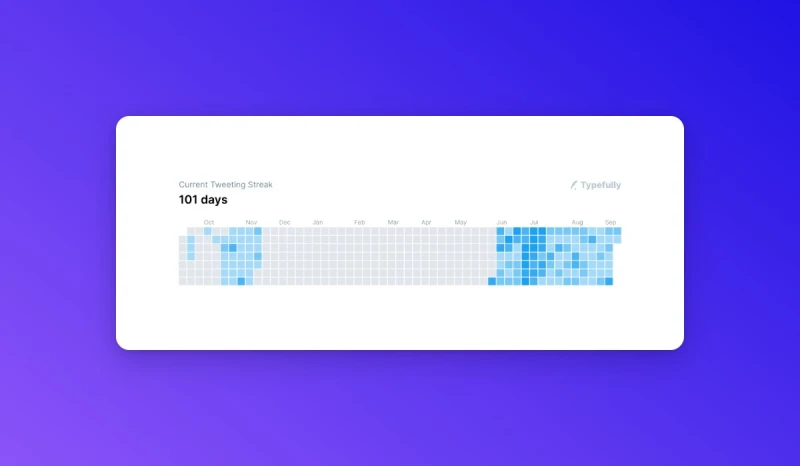
Is there a similar course to #100DaysOfSwiftUI but for #React or #Typescript?
Really like this format and I learn quite well with it 👨💻
Day 72 #100DaysOfSwiftUI
✅ Built the BucketList project (part III)
🔑 takeaways:
👉 ViewModel is a software architecture pattern (create view extension)
👉 View should only be responsible for displaying data
👉 Use private(set) in ViewModel
👉 You can encrypt data on save
Uno #009
The one app you probably use the most every day is your browser. Why not give it an upgrade?
The best new browser on the market is, without a doubt, Arc by @browsercompany.
Clean design and many great features you won't find elsewhere 🤩
Show thread (2 posts)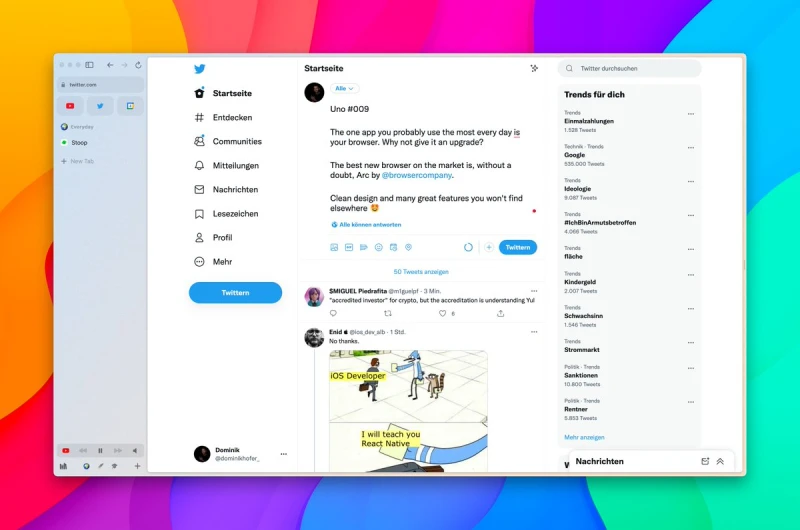
Day 71 #100DaysOfSwiftUI
✅ Built the BucketList project (part II)
🔑 takeaways:
👉 + Text() to combine texts
👉 Outsource as much cleanup work as possible to the data struct
👉 Reminder that nil coalescing is so useful
TIL that you can use @microsoft's 3d emojis completely for free!
Here's the Figma link: https://www.figma.com/community/file/1138254942249677742 https://xcancel.com/UARRR/status/1566048230282039297
Show thread (2 posts)
Quick lil #Xcode tip:
Hit enter on autocompleted closures to enter into trailing closure mode quickly 👇
Day 70 #100DaysOfSwiftUI
✅ Built the BucketList project (part I)
🔑 takeaways:
👉 Add example data to types
👉 You can use optional variables to toggle sheets
👉 Set default state values with initializer and _variableName
Really like working with maps so far!
Show thread (2 posts)
One side benefit of learning Swift is that I FINALLY understand, why people love Typescript.
Took quite a while 😂
Day 69 #100DaysOfSwiftUI
✅ Further intro to the BucketList project
🔑 takeaways:
👉 MapKit integrates natively into SwiftUI (and is quite pleasant to use)
👉 You can add FaceID pretty easily as well (needs permission)
Was surprised that this didn't need some UIKit-hacks 😮💨
Today, I'm taking a break from #100DaysOfSwiftUI
But I wanted to share one of the best iOS-related YouTube channels out there: The one by @StewartLynch
Really nice teaching-style, already learned a lot!
Day 68 #100DaysOfSwiftUI
✅ Overview of the BucketList project
🔑 takeaways:
👉 If structs confirm to comparable protocol, they are sorteable
👉 You can save data directly to the documents directory
👉 Use enums to show different states of UI