
Minimal design >> https://xcancel.com/dr/status/1625521394678128640

Minimal design >> https://xcancel.com/dr/status/1625521394678128640
Best iOS budget tracker out there, give it a shot 👇 https://xcancel.com/rarfell/status/1625656590593581056
One of my favorite things to do is simply having a web browser open and go down a random rabbit hole 🕳️🐇
No clear goal in mind, just random googling (or ChatGPTing), getting inspired, finding YouTube videos and blog posts and occasionally finding real gems 💎
Love it!
Show thread (2 posts)
Yes, ChatGPT is awesome.
But if you combine LLMs (like @OpenAI's GPT-3) with vector embeddings (e.g. using @pinecone), they become even more powerful 👇 https://xcancel.com/oralabs_/status/1620464421691850752
Time to give Edge another chance… https://xcancel.com/satyanadella/status/1623031898544152578
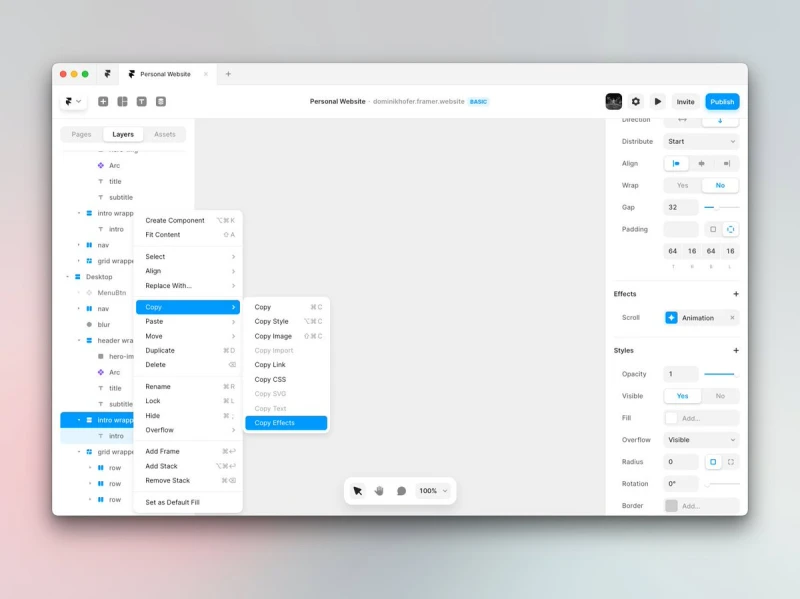
This feature in @framer saves soooo much time (along with Copy Style).
Pro tip: Use it with the command menu (⌘ + K) to copy effects without needing to click anywhere ✨
Quick JavaScript tip I want to put out there since I just wasted too much time figuring this out 🫣
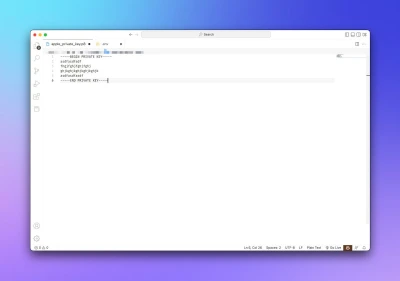
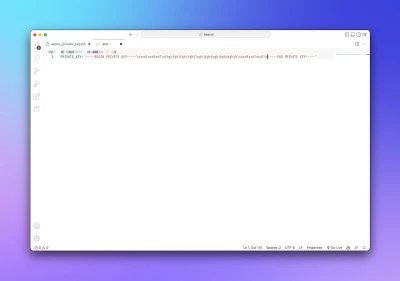
If you have a private key (here from Apple Music, picture 1) and you need to store it in a .env file, do it like in picture 2:
Wrapped in "" and with escaped line-breaks (\n).
By the way, if you want to learn more about designing for the iPad pointer, check out this WWDC talk:
https://developer.apple.com/videos/play/wwdc2020/10640/ https://xcancel.com/dominikhofer_/status/1617127698811191296
Why I love creating stuff just for myself:
Getting lost in these tiny interactions is just chef's kiss.
h/t to @framer for making this possible, you just cannot not love this tool 🫶
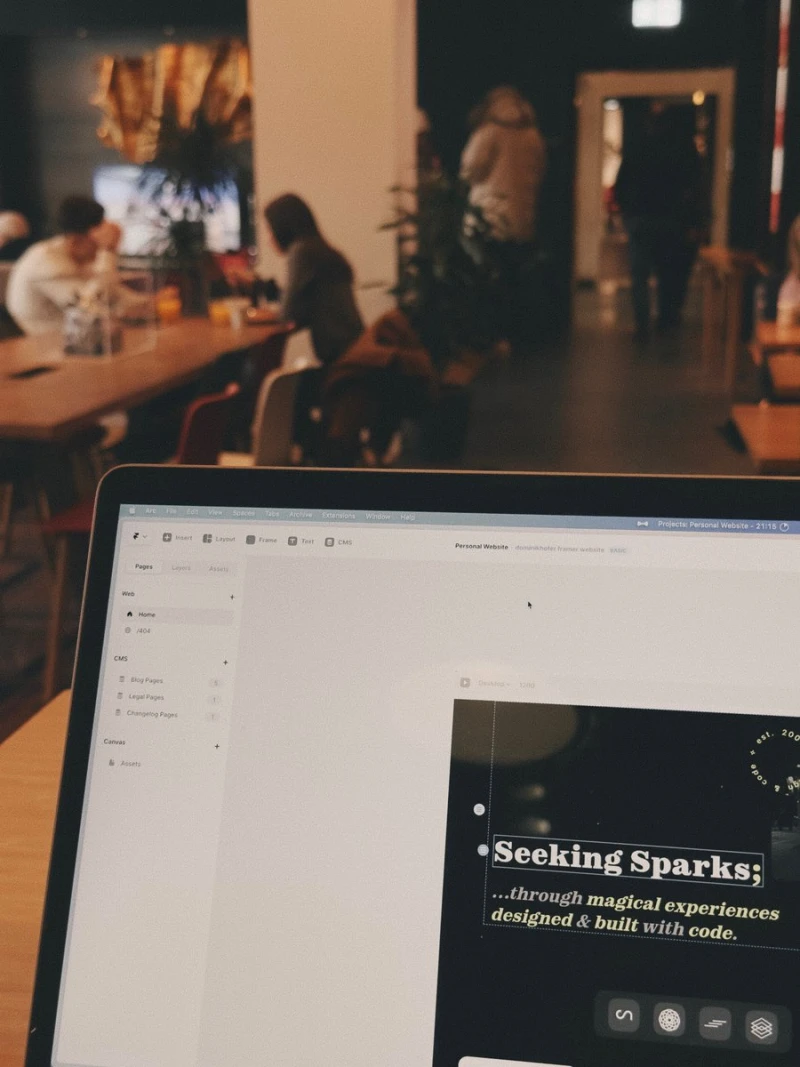
Starting this Sunday with a lil work on my upcoming personal website, built in @framer
What are you up to today? :)
Great takeaway! https://xcancel.com/svpino/status/1615333197818269696
Why being able to code as a designer is a superpower 👨💻 https://xcancel.com/_TommyMason/status/1610400050399641601
Is it just me or are the new @webflow workspaces just confusing?
I simply want to invite another designer to a single project (not the whole workspace) but I can't figure out how. I can invite editors but that's not what I need here.
Any help is really appreciated 🫠
Straight outta @blackmirror 🤖 https://xcancel.com/hasquee/status/1613015231927648257
If you want to have a sleek link-in-bio page, Bento looks really promising 🙌
👉 check it out: https://ctt.ec/9sdbh+
This is why I encourage every designer to learn SwiftUI.
It just… looks good out of the box. Plus you learn a ton about current best practices. https://xcancel.com/jsngr/status/1611073804033220626
Anyone I know that needs an invite for @Cron?
Show thread (2 posts)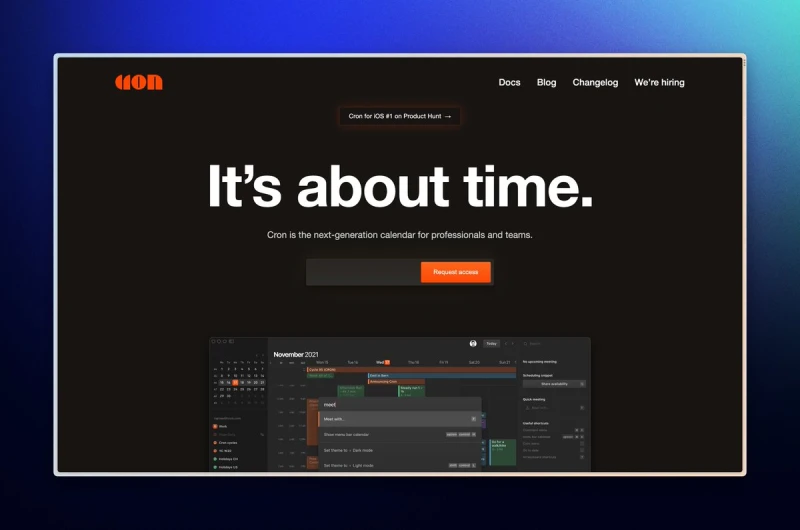
I just reserved my handle on Spill – a new Twitter alt that puts culture first.
Grab yours now → http://spill-app.com
Another @webflow website launch✨
Using @thatsfinsweet's Client-First and their attributes is such a cheat code, I'm always excited about how things just work and make sense 🙌

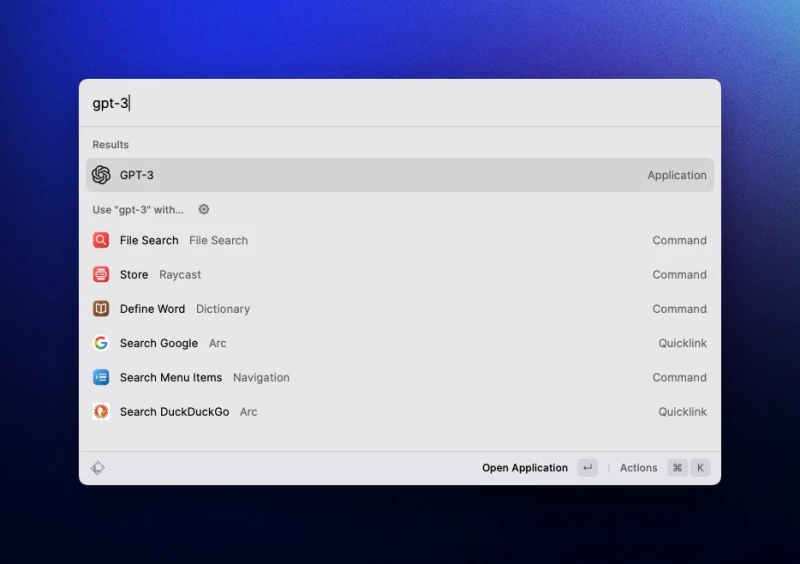
Current status: Having @openai GPT-3 installed as an app.
It's just too good not to use for creative ideation…
This is probably the first time in history literally everyone can build their own software tools, the only limitation is your imagination.
And it's just the beginning! https://xcancel.com/danshipper/status/1602703021254868995
Embrace change 🙌 https://xcancel.com/naval/status/1602552509545041920
The current popularity of ChatGPT is a friendly reminder that great UX can boost your product enormously.
Everyone could've used plain GPT-3 before in the playground but it was not as straight forward to use for non-techies. ChatGPT finally changes this.
Is it possible to add scroll transforms (Framer Motion) to elements inside of a component in @framer?
I just can't figure it out…
If not, this would be highly appreciated (at least from my side 😁)
Guess I wanna be a design engineer then. https://xcancel.com/jsngr/status/1600520076544843776
I think he's just missing the point.
ChatGPT is great for brainstorming ideas and guided content creation (e.g. condensing a text), not writing full blogposts or the like.
It accompanies your workflow, it does not replace it. https://xcancel.com/sweatystartup/status/1599635498120597505
Just saw this genius on Reddit. He figured out how to build a personal writing assistant like Copy AI or Jasper - with just clever prompts in the GPT-3 playground – for fractions of what it costs normally!
Take a look 👇
(Link at the bottom if you want to jump ahead 😉)
1/11
Show thread (13 posts)
So, you might have heard about ChatGPT, the new product by the company behind the great GPT-3, @OpenAI.
I've been using it for a few days now and I'm constantly impressed by its capabilities.
Let me show you some cool stuff and interesting information 🙌
Show thread (28 posts)
The urge to print this reply and put it up on the wall behind my monitor 📈📈📈 https://xcancel.com/martinlexow/status/1596157933624397825
Quick @framer question:
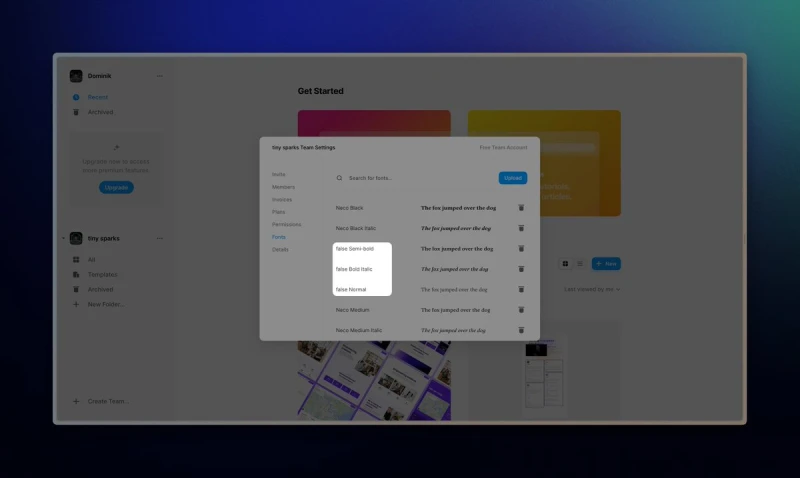
Is there a way to rename custom fonts? I regularly get unnamed fonts like “false normal” which really bugs me for some reason 🙈
TIL about depcheck, a handy lil package to find and remove unused dependencies from your node projects.
Couldn't have said it better. https://xcancel.com/austboston/status/1594753680322224128
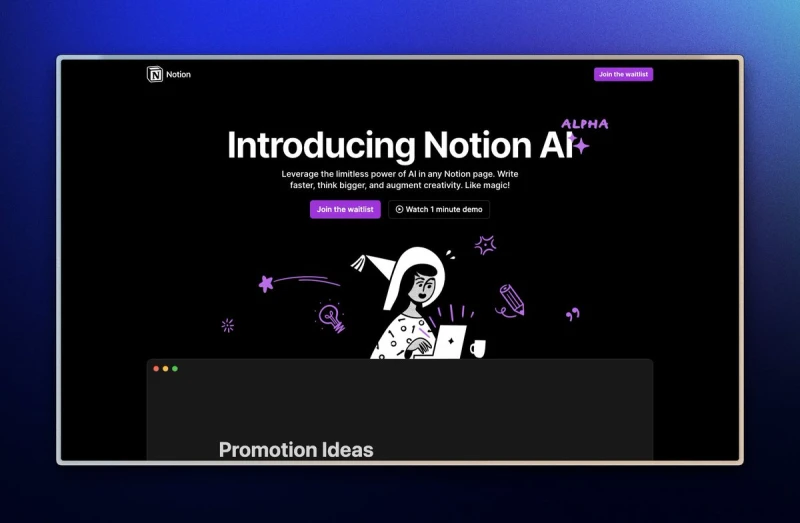
This is just awesome 🙌✨
(Ps: You can help get me up the waitlist here: https://www.notion.so/ai?wr=d3ce2757fd9c05d8 😁)
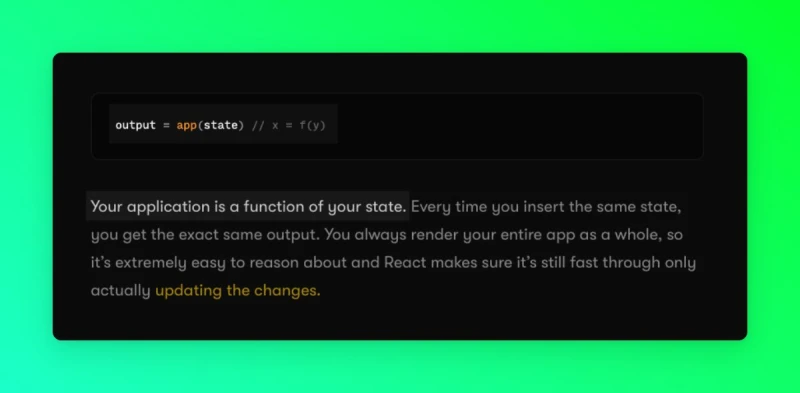
Best news of the day, ty so much! https://xcancel.com/philipcdavis/status/1592548180260196353
When you hit “R” in @framer (for rectangle), you get a little prompt, telling you that actually you want to hit “F” for frame.
Love this attention to detail, much better than ending up rotating things like I always do in Photoshop…
Quick question for all @weglot pros:
Is there any way to get the current language of a page in a Webflow project?
I want to show/hide certain elements on the page based on the language.
Appreciate any help/RTs 🤓
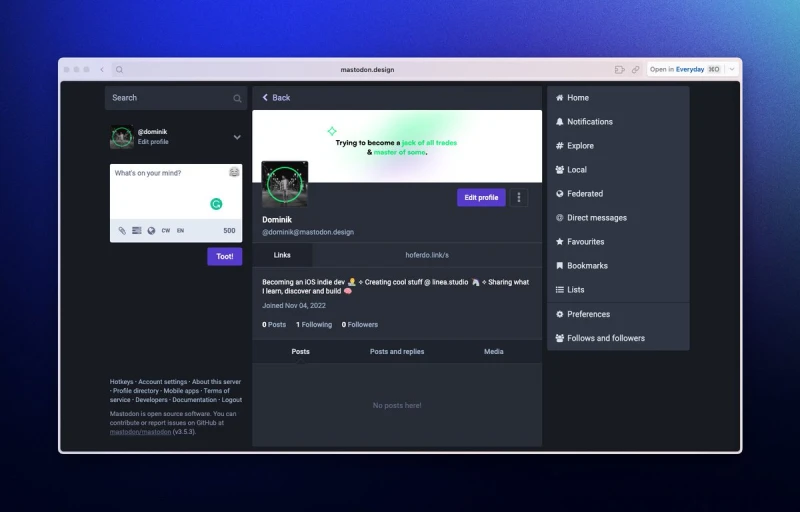
Just joined @joinmastodon as a backup if this whole Twitter thing goes down…
There's a nice design instance, come join me: https://mastodon.design/web/@dominik
See ya over there ✌️
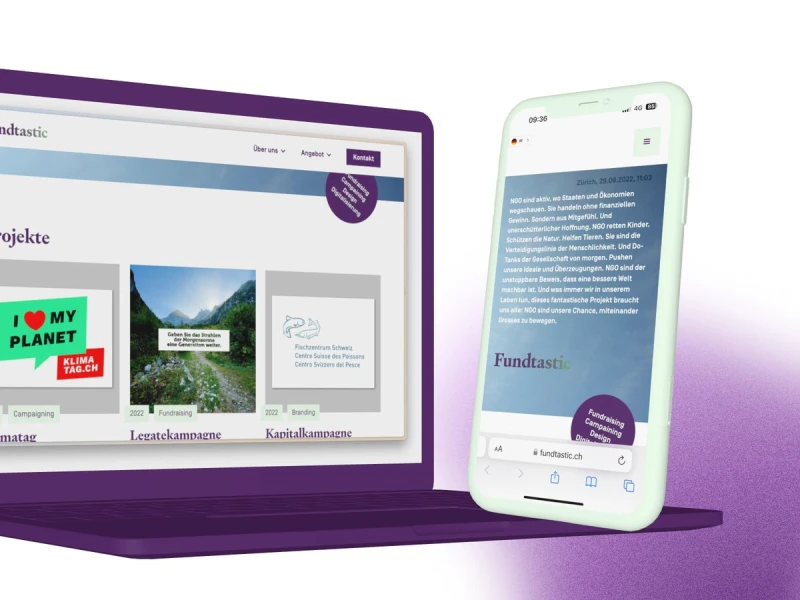
Last week, I launched my first client website built 100% in @webflow ✨
Does anyone have experience with using Upwork or Toptal as a web designer?
Is it worth it?