
Developer tool/website discovery of the day 👇
Helps you analyze the bundle size of npm packages and even shows how long it'll take to load with different connection speeds.
Show thread (2 posts)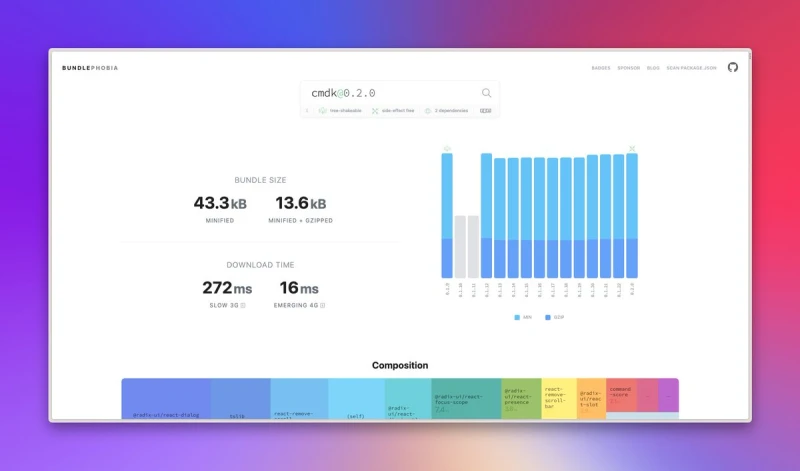

Developer tool/website discovery of the day 👇
Helps you analyze the bundle size of npm packages and even shows how long it'll take to load with different connection speeds.
Show thread (2 posts)
The true reason for so many dirty MacBook keyboards out there (including mine 🥲) https://xcancel.com/luciascarlet/status/1673726293563588608
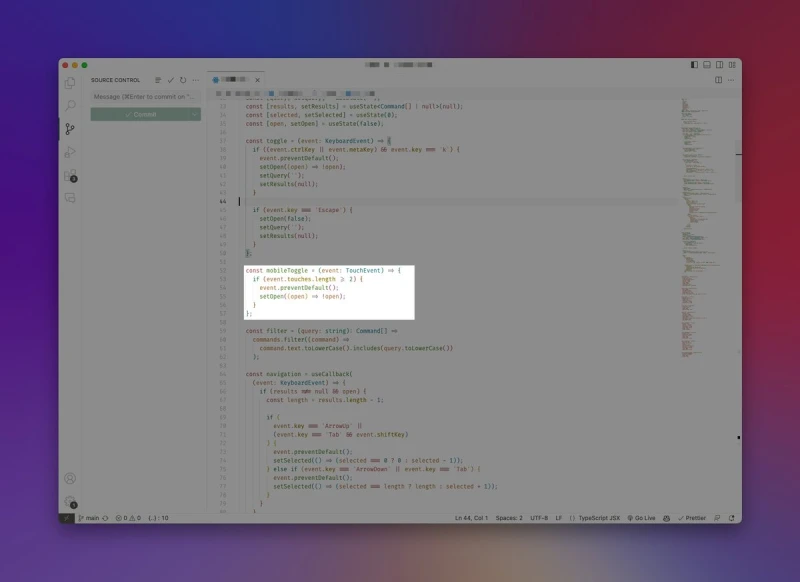
TIL that you can access the amount of fingers a user had on his screen when triggering an event (using TouchEvents).
By the way, can someone guess what I'm building? 👀🪄
This idea of “contextual design” seems pretty interesting 🤔 https://xcancel.com/hobdaydesign/status/1671119428291903488
React wouldn't nearly be as great as it is without the brilliant folks over @vercel
These guys constantly ship cool stuff and their marketing is just spot on.
Just a random thought, but there couldn't be a better time to create things for the web and I love it 😁
Is there a minimal MacOS app that integrates the OpenAI API into the system?
Imagining something like [select text] → [right click] → [choose prompt]
Would be great to know ✌️
🪄
Been working on a @framer override that enables navigating your site just with keyboard shortcuts. Currently works with links and the search component.
Is this something that would be useful for your own projects?
That's the sweet spot 👇 https://xcancel.com/henricreates/status/1670420490140123138
This is also my impression so far, which is great. @framer AI should be a tool that helps you generate different ideas fast, not ideate inside a predetermined look.
For moving fast, I think using ChatGPT to help generate content ideas and then move to Framer is the way to go. https://xcancel.com/JorisRood/status/1668704159959220226
Follow recommendation for today 👇 https://xcancel.com/designspells_/status/1663190974405967872
Proof that SwiftUI is the greatest prototyping tool ever invented. https://xcancel.com/raunofreiberg/status/1666122499401166873
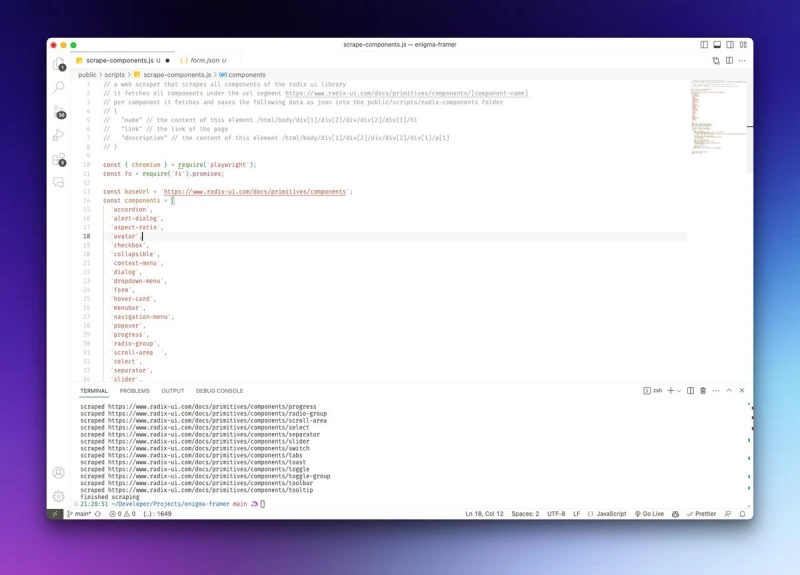
I will always be amazed about how @github copilot makes coding a breeze. Just write a few comments at the top of a file like below and watch ai work its magic.
It's never perfect but it gets you like 90% there.
This makes learning & building so much easier, I love it 🪄
The new React docs are a true goldmine and a prime example of how good documentation looks like.
E.g., importing and exporting es modules is explained in a concise way that I've never encountered before.
It just clicks 🙌
Just @framer telling you what you should do before going to bed tonight 🪄 https://xcancel.com/dominikhofer_/status/1656381889962299392
Getting to know @framer overrides a bit better by trying out random stuff and I've honestly never been more excited about seeing the current time on a website :D
If you love to read, good books is a fantastic website for discovering great non-fiction books. And it looks absolutely gorgeous ✨
Show thread (2 posts)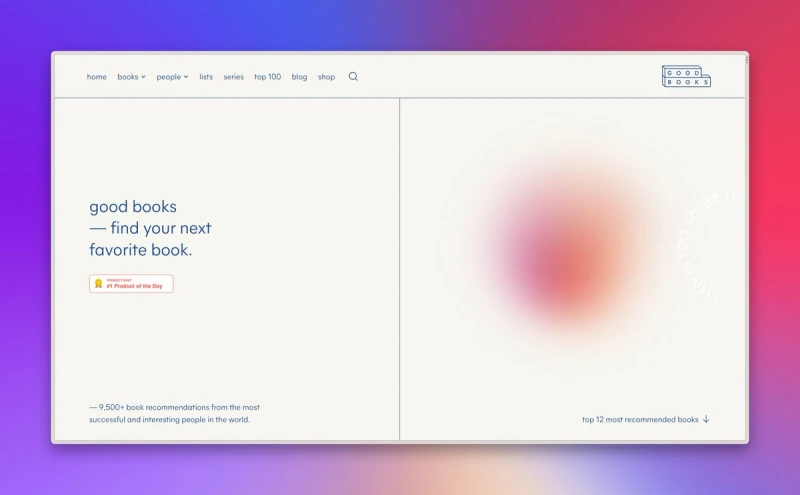
This should be the motto for all makers on the internet 👇 https://xcancel.com/cedric_design/status/1655540997571375104
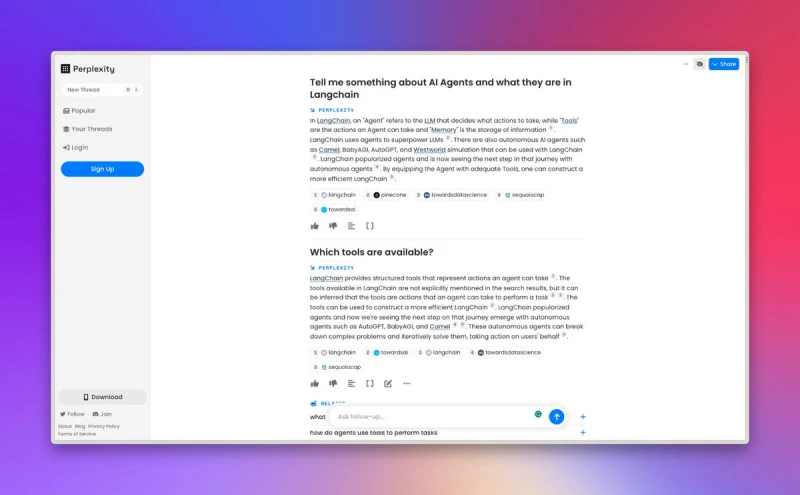
If you're already using ChatGPT regularly, you'll be blown away by @perplexity_ai
It works just like the former, but with access to the internet, and actually shows you the sources of the answer for reference.
This is probably the future of search engines ✨
The best way for testing prompts by far 👇 https://xcancel.com/steventey/status/1648463337066491906
What an awesome write-up of a great idea and the power of llms 👏🏼
(The concept 🤯) https://xcancel.com/gahabeen/status/1645056489822756864
Currently working with GPT-3.5-Turbo for a project and that's already mindblowing. Excited to try out the next version!
What a time to be alive @OpenAI ✨ https://xcancel.com/steventey/status/1635740370163171350
If you want to learn about the power of LLMs and vector embeddings, this is a great place to start 👇 https://xcancel.com/StephanSturges/status/1632382961843593220
Gotta love Jordan and his SwiftUI skills 🙌 https://xcancel.com/jsngr/status/1632405969190748166
These news get even more exciting once you check out their pricing page 🤯 https://xcancel.com/OpenAI/status/1630992406542970880
That's why you should learn how to work with LLMs right now 👇 https://xcancel.com/sama/status/1627796054040285184
The nr. 1 requirement for choosing a long-term notetaking/pkm app should be whether or not it allows you to store or easily export all your notes as .txt or .md files.
That's why @obsdmd and @logseq are so awesome 🙌
Show thread (3 posts)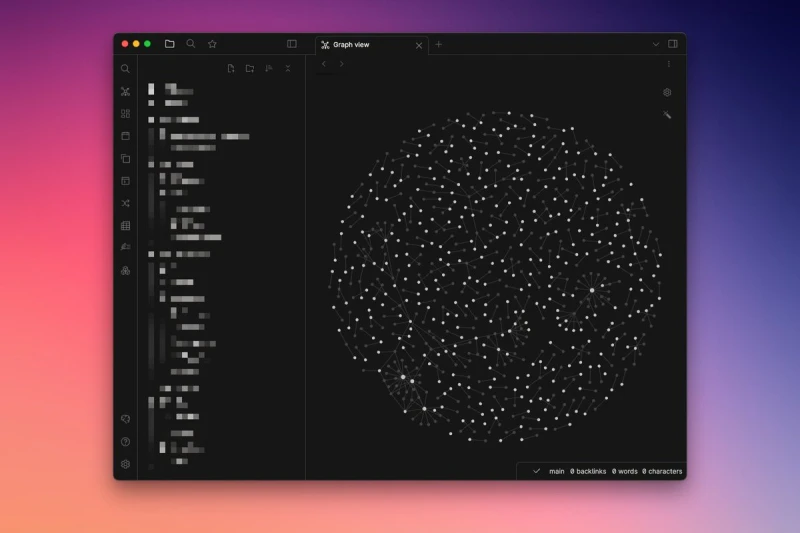
Awesome execution of a movie/show recommender that actually works 🙌
Plus it‘s open-source! https://xcancel.com/steph_dietz_/status/1625888371141664768
Minimal design >> https://xcancel.com/dr/status/1625521394678128640
Best iOS budget tracker out there, give it a shot 👇 https://xcancel.com/rarfell/status/1625656590593581056
One of my favorite things to do is simply having a web browser open and go down a random rabbit hole 🕳️🐇
No clear goal in mind, just random googling (or ChatGPTing), getting inspired, finding YouTube videos and blog posts and occasionally finding real gems 💎
Love it!
Show thread (2 posts)
Yes, ChatGPT is awesome.
But if you combine LLMs (like @OpenAI's GPT-3) with vector embeddings (e.g. using @pinecone), they become even more powerful 👇 https://xcancel.com/oralabs_/status/1620464421691850752
Time to give Edge another chance… https://xcancel.com/satyanadella/status/1623031898544152578
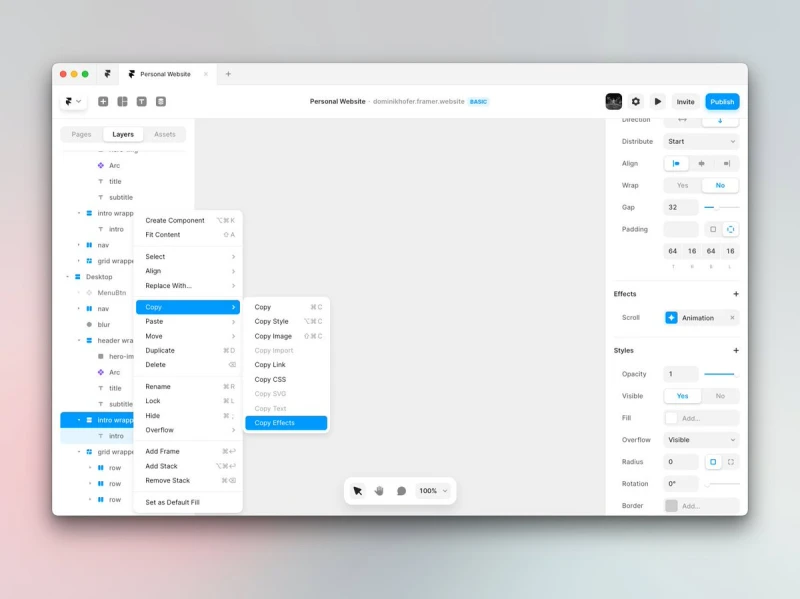
This feature in @framer saves soooo much time (along with Copy Style).
Pro tip: Use it with the command menu (⌘ + K) to copy effects without needing to click anywhere ✨
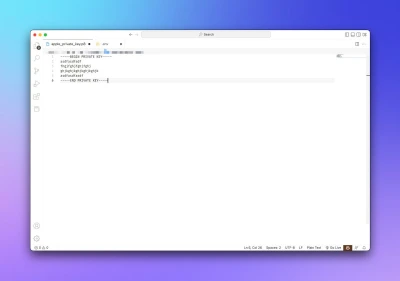
Quick JavaScript tip I want to put out there since I just wasted too much time figuring this out 🫣
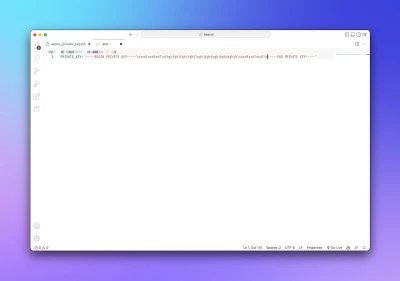
If you have a private key (here from Apple Music, picture 1) and you need to store it in a .env file, do it like in picture 2:
Wrapped in "" and with escaped line-breaks (\n).
By the way, if you want to learn more about designing for the iPad pointer, check out this WWDC talk:
https://developer.apple.com/videos/play/wwdc2020/10640/ https://xcancel.com/dominikhofer_/status/1617127698811191296
Why I love creating stuff just for myself:
Getting lost in these tiny interactions is just chef's kiss.
h/t to @framer for making this possible, you just cannot not love this tool 🫶
Starting this Sunday with a lil work on my upcoming personal website, built in @framer
What are you up to today? :)

Great takeaway! https://xcancel.com/svpino/status/1615333197818269696
Why being able to code as a designer is a superpower 👨💻 https://xcancel.com/_TommyMason/status/1610400050399641601
Is it just me or are the new @webflow workspaces just confusing?
I simply want to invite another designer to a single project (not the whole workspace) but I can't figure out how. I can invite editors but that's not what I need here.
Any help is really appreciated 🫠
Straight outta @blackmirror 🤖 https://xcancel.com/hasquee/status/1613015231927648257
If you want to have a sleek link-in-bio page, Bento looks really promising 🙌
👉 check it out: https://ctt.ec/9sdbh+
This is why I encourage every designer to learn SwiftUI.
It just… looks good out of the box. Plus you learn a ton about current best practices. https://xcancel.com/jsngr/status/1611073804033220626
Anyone I know that needs an invite for @Cron?
Show thread (2 posts)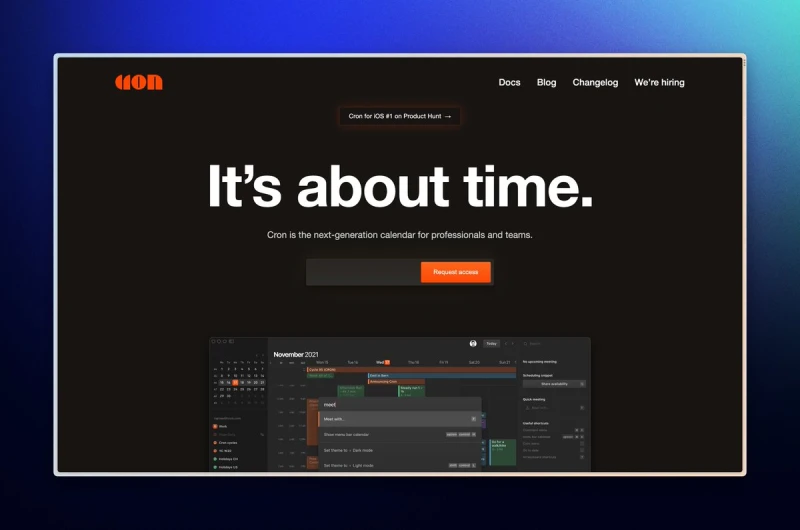
I just reserved my handle on Spill – a new Twitter alt that puts culture first.
Grab yours now → http://spill-app.com