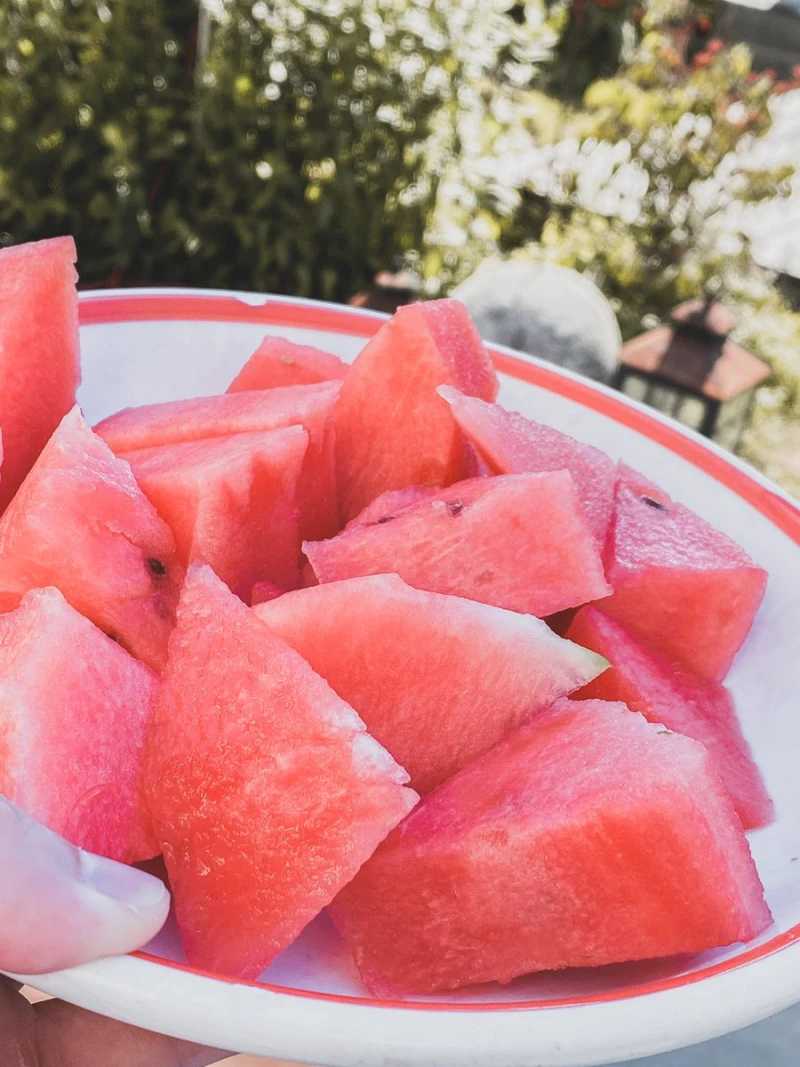
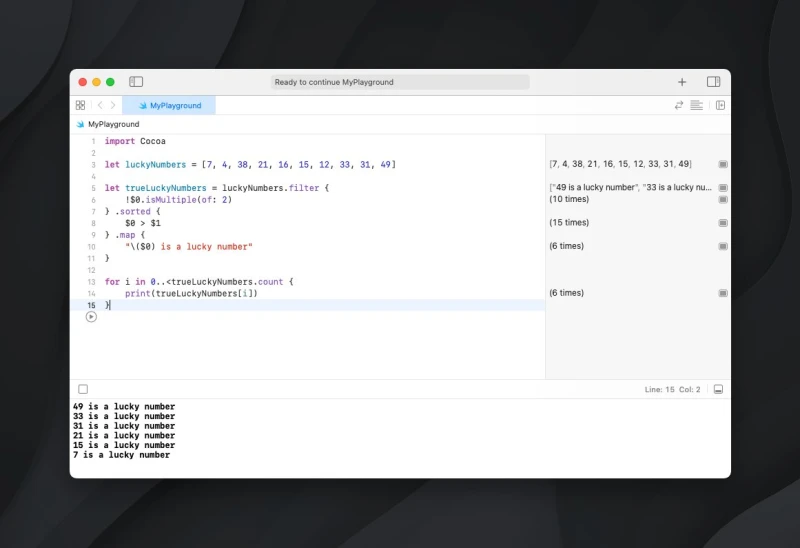
1 + 1 = 3
(Do you see it?)
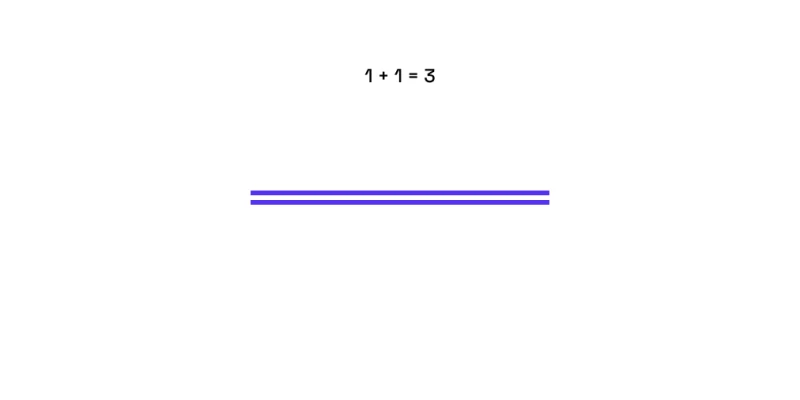
Day 19 #100DaysOfSwiftUI
✅ Built a simple converter app
That's it, my first iOS app I built on my own, from scratch!
The conversion was probably the hardest part. The tip with converting to a base unit helped a ton.
Also, notice how the label changes at the bottom 👀
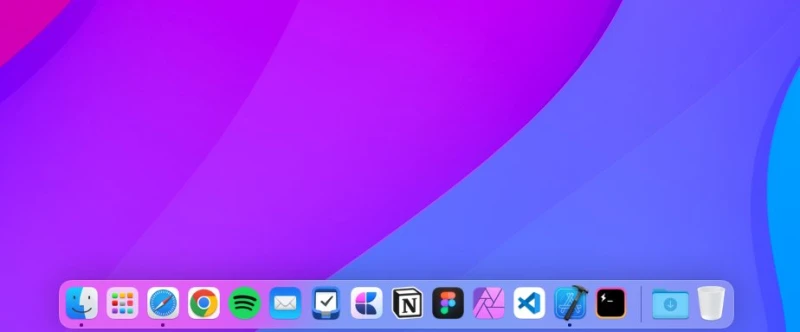
Are you really an iOS dev until you keep Xcode in your dock permanently?
Asking for a friend.
The greatest thing about coding is that you start to see the world from a different perspective.
Day 18 #100DaysOfSwiftUI
✅ Added some additional features on my own
I already love building UIs with SwiftUI! It's fascinating, how fast and easy you get Apple-like results.
Looking forward to building some more complex apps 🤓
Uno #001
The first tool in this series is called RatioBuddy by @damnfinestudio.
A very simple but handy tool that I regularly use to calculate aspect ratios.
Have been using this one for years for simplifying pixel dimensions down to ratios 🙌
https://xcancel.com/dominikhofer_/status/1543663116109680642
Show thread (2 posts)
I'm starting a little weekly series called “Uno”.
Every Sunday, I'll share one simple tool that I regularly use (and you might not know).
Stay tuned ✌️
Just migrated my personal notes from Apple notes/Evernote to @craftdocsapp
Main reason is the daily notes feature (not available in many other apps but I love the concept).
Also, the design is just gorgeous 😍
One thing I really enjoy about using SwiftUI is that everything looks very beautiful and minimal by default.
Day 17 #100DaysOfSwiftUI
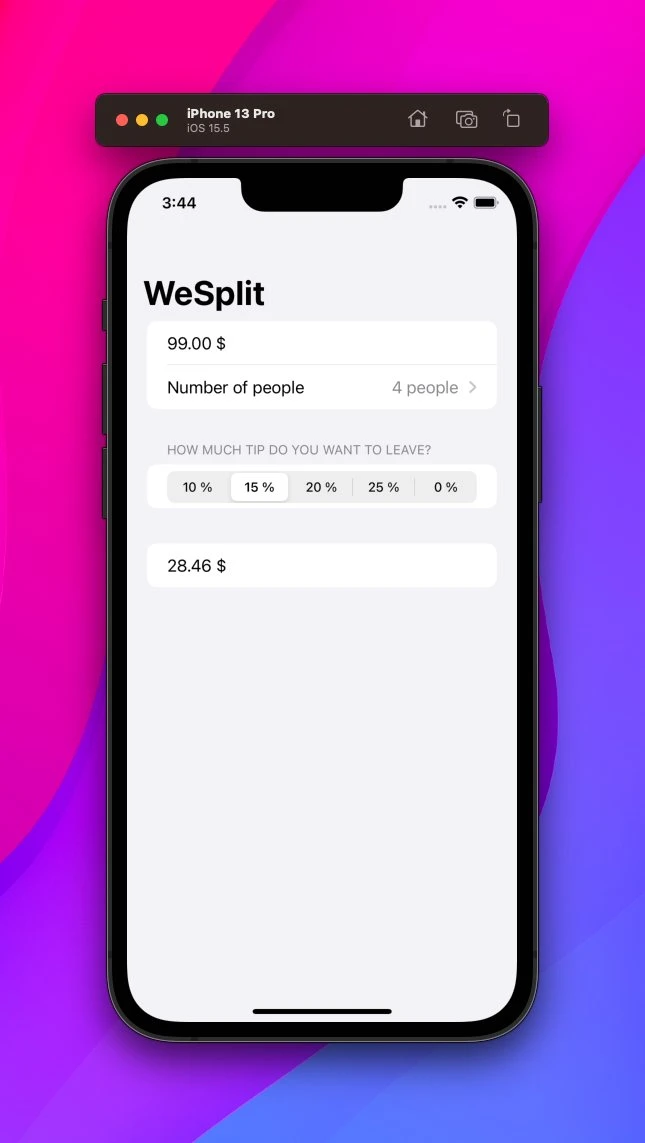
✅ Built the WeSplit project
🔑 takeaways:
👉 Locale is a struct with localization infos
👉 @State automatically watches for changes
👉 NavigationView is often the top-level view
👉 Spacer creates a flexible space
Was a fun little project to work on!
Day 16 #100DaysOfSwiftUI
✅ Overview of WeSplit project
🔑 takeaways:
👉 Everything in SwiftUI is a view
👉 Shortcuts: ⌘ + ⌥ + P; ⌘ + R
👉 Views are a function of their state
👉 Create two-way bindings with $
Not caring about other people's opinions is a sign of self-confidence.
I still have to reach that level.
Day 15 #100DaysOfSwiftUI
✅ Review day
Done with the fundamentals of Swift. Now onto learning SwiftUI, I am very excited!
My new favorite shortcut in @framer: ⌘ + K
Creating components, publishing, and more – straight from your Keyboard.
Love seeing more and more apps adapt this UX pattern 🙌
Day 13 #100DaysOfSwiftUI
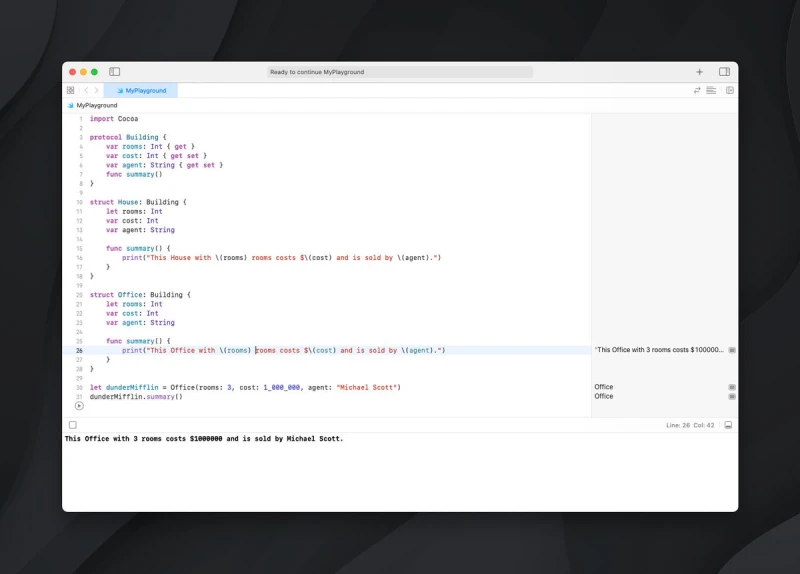
✅ Protocols
✅ Extensions
✅ Checkpoint 8
🔑 takeaways:
👉 Protocols are like a blueprint for different types
👉 With extensions, you can extend the functionality of types
👉 Protocol extensions are possible
Can you spot the easter egg? 🐰
Not everything that happens is your fault.
But it is your responsibility to take care of it.
Writing is the best tool to understand yourself better.
Try out journaling for some time and you'll see great benefits!
Day 14* #100DaysOfSwiftUI
✅ Optionals
✅ Nil coalescing
✅ Checkpoint 9*
🔑 takeaways:
👉 Optionals are for when there might data
👉 They have to be unwrapped: Either with if let, guard let, or nil coalescing
Today's checkpoint was a simple one-liner. Felt kinda smart 🤓
Show thread (2 posts)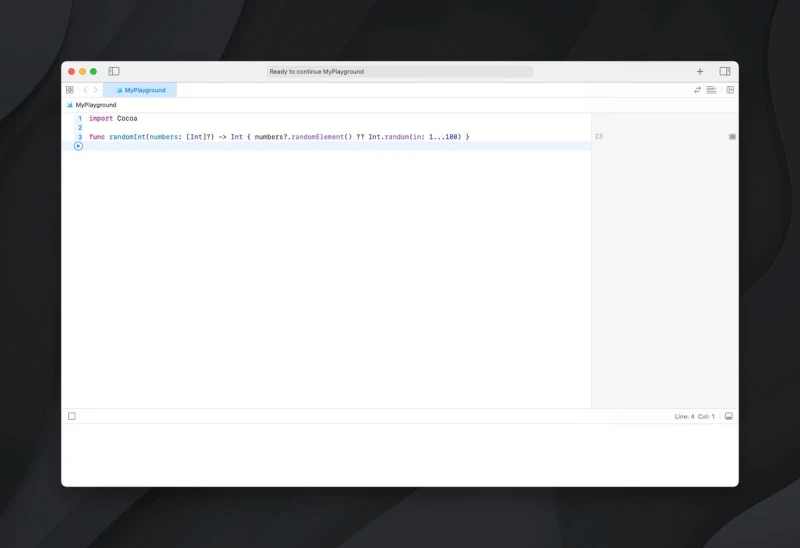
Overthinking < Just starting. https://xcancel.com/dominikhofer_/status/1530926955247243265/photo/1
Design is 90% staring at a big white rectangle and 10% drawing little rectangles on it.
Day 12 #100DaysOfSwiftUI
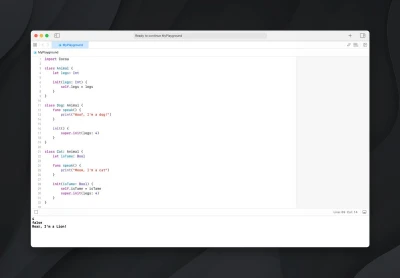
✅ Classes
✅ Inheritance
✅ Checkpoint 7
🔑 takeaways:
👉 Classes don't have a memberwise initializer
👉 All instances point to the same data
👉 You can override methods
👉 Call super.init() inside child class
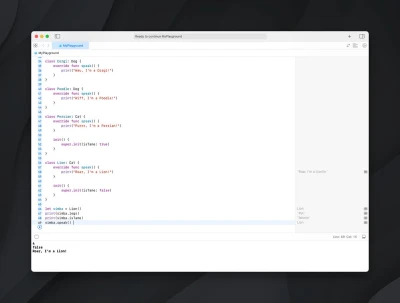
The furry checkpoint 🐈🐕
Added a subtle hue rotation animation to my @framer site's background ✨
Took a bit of custom code, but was still easier to achieve than I thought!
What do you think?
Show thread (2 posts)
Made quite some progress today on the homepage of my personal site (timelapse in next tweet).
(And I also feel like I now understand the layout tool pretty well 🙌)
Show thread (2 posts)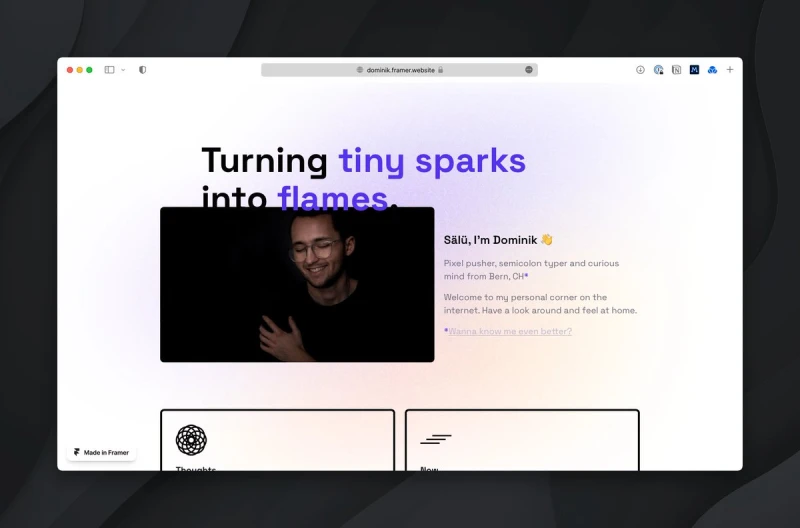
A lil reminder to myself 👇
You can't work on yourself if you're always focused on what others think of you.
Automation: Step by step https://xcancel.com/vvtraining/status/1541520321467088896
Swift (with SwiftUI) feels like an ideal language to learn for beginners.
After trying out (almost) every Twitter scheduling tool under the sun, I'm back on @typefully
Although there are platforms out there with more features, nothing beats the simplicity & aesthetics of Typefully.
Show thread (2 posts)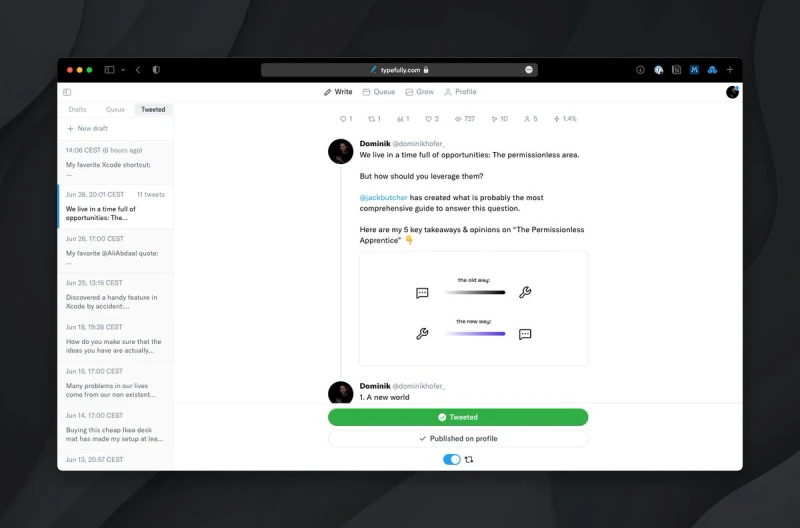
Most beautiful website of the week (discovered via @godlywebsite newsletter): Flecto
Show thread (2 posts)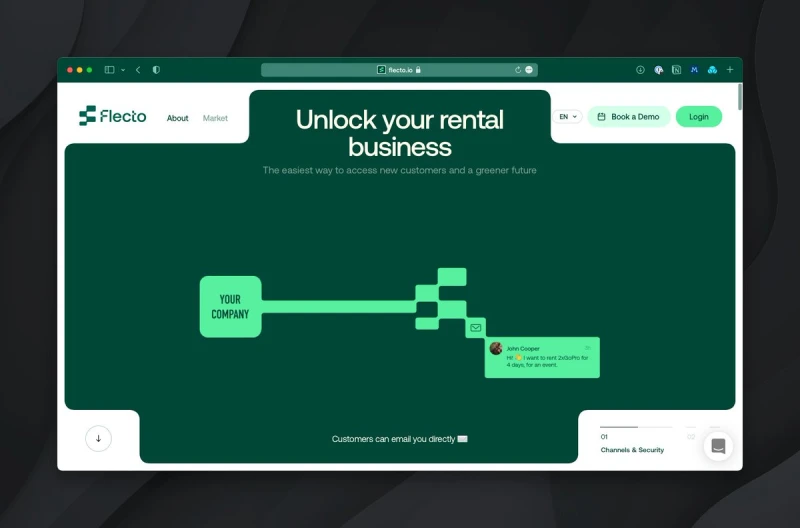
Day 11 #100DaysOfSwiftUI
✅ Access control
✅ Static props & methods
✅ Checkpoint 6
🔑 takeaways:
👉 Restrict property access with private keyword
👉 Static props/methods can be used for global data or examples
Slowly, Swift really starts to click for me 🙌
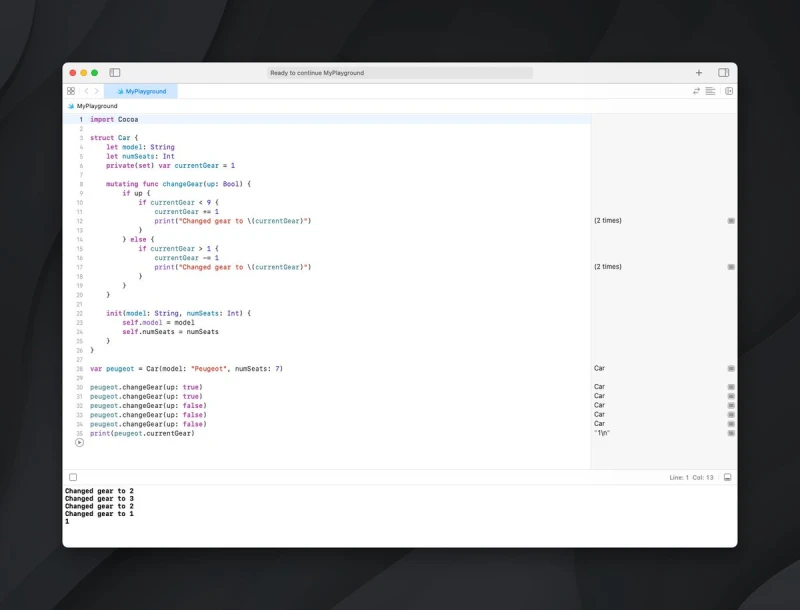
Checkpoint 👇
We live in a time full of opportunities: The permissionless area.
But how should you leverage them?
@jackbutcher has created what is probably the most comprehensive guide to answer this question.
Here are my 5 key takeaways & opinions on “The Permissionless Apprentice” 👇
Show thread (11 posts)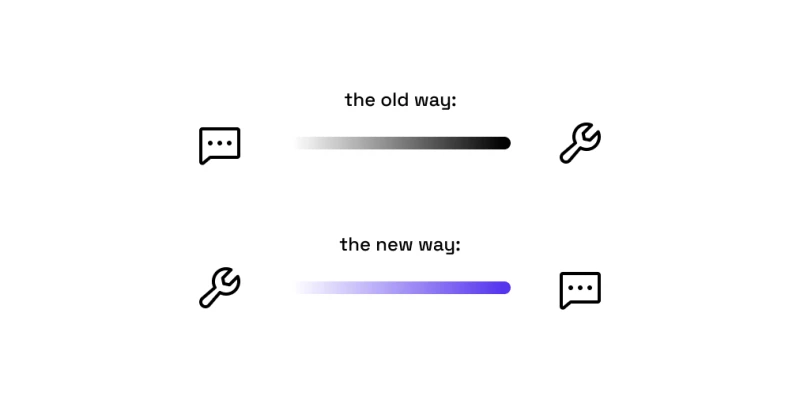
My favorite @AliAbdaal quote:
“Everything is figureauteable.”
Perfectly sums up the mindset I try to cultivate.
Day 10 #100DaysOfSwiftUI
✅ Structs
✅ Computed properties
✅ Property observers
🔑 takeaways:
👉 With structs, you can create custom types
👉 Computed properties work like in Vue.js
👉 You can create custom initializers (must provide values for all properties)
With the launch of my personal website, I also want to start a bi-weekly newsletter. Nothing too fancy, just a way to send some updates.
What tool should I use?
⟡ @SubstackInc
⟡ @TwitterWrite (Revue)
⟡ @ConvertKit
Any tips/experiences?